
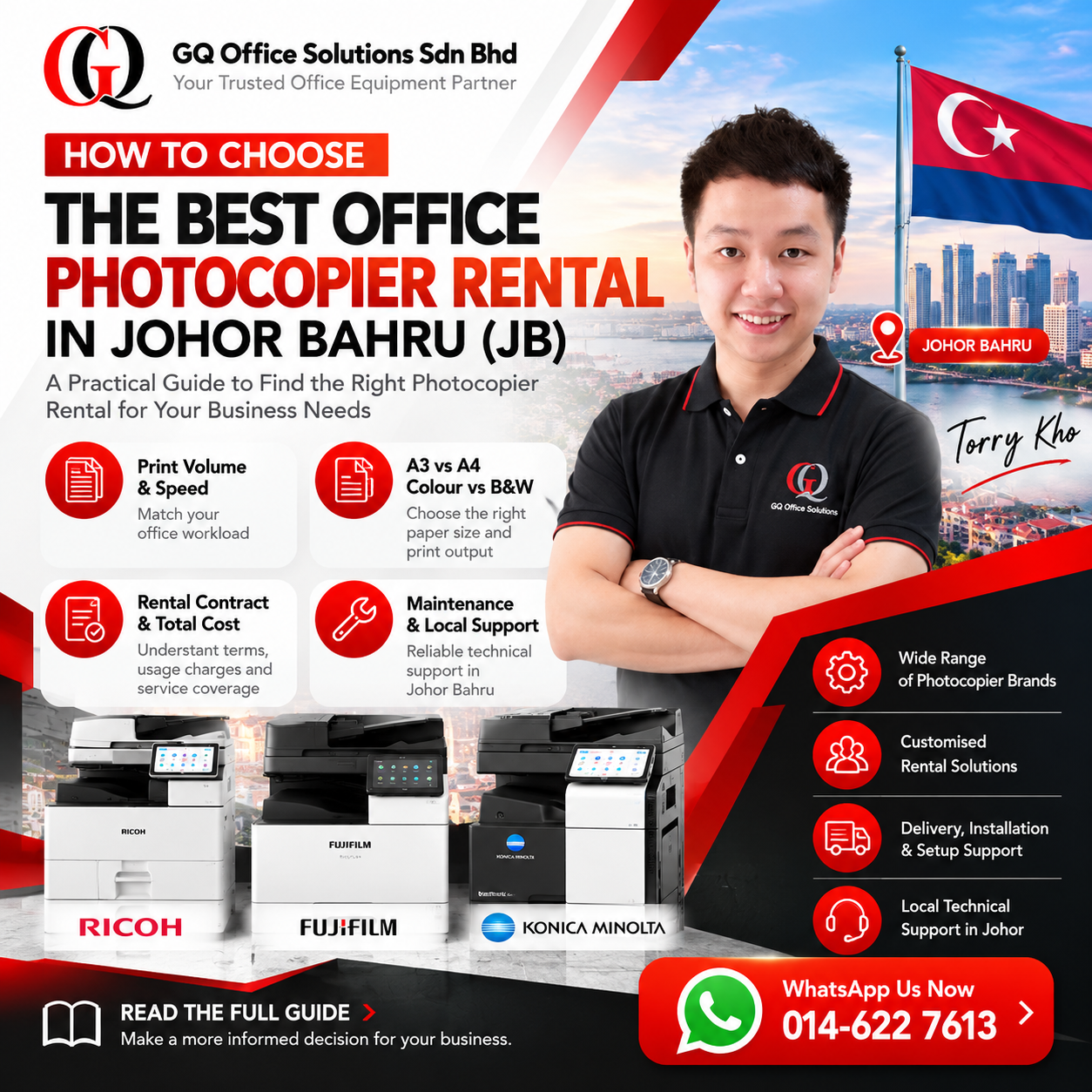
How to Choose the Best Office Photocopier Rental in Johor Bahru (JB)
A practical business guide to selecting the right multifunction photocopier, comparing office printing requirements, understanding rental agreements and evaluating reliable local technical support.
Finding the Right Office Photocopier Rental in Johor Bahru
Choosing an office photocopier rental in Johor Bahru (JB) is more than comparing monthly rental prices. Businesses need to consider printing volume, document types, machine features, maintenance arrangements, network compatibility and the availability of technical assistance.
A small accounting practice may prioritise duplex scanning and secure document handling. A factory may need dependable A3 printing for production reports and operational paperwork. Meanwhile, a logistics company may require reliable printing for delivery orders, invoices and shipping documents.
GQ Office Solutions Sdn Bhd helps businesses evaluate suitable multifunction photocopiers according to their daily workflow and office requirements. This guide explains what to compare before making a rental decision.
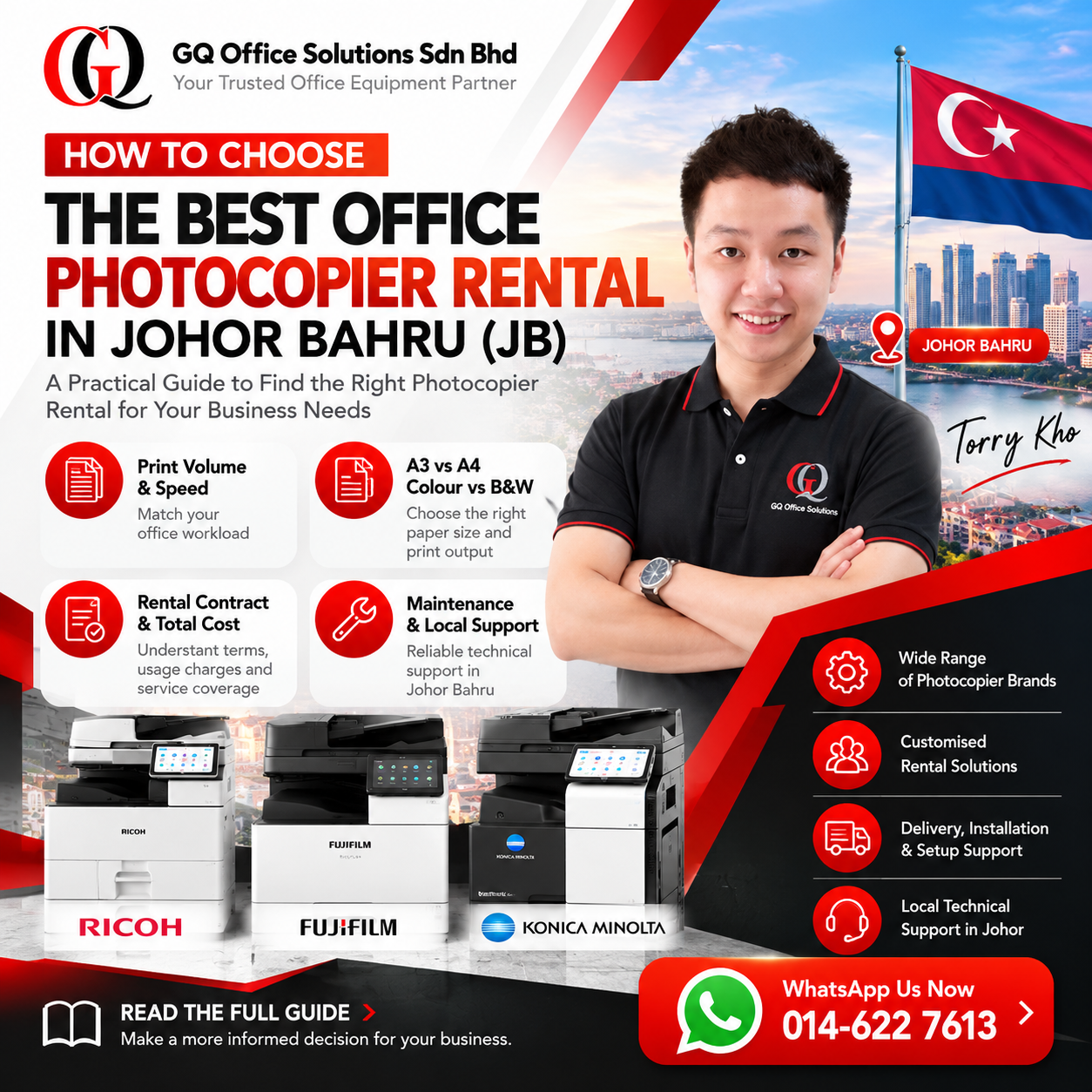
7 Essential Factors Before Renting an Office Photocopier
Start with your business requirements rather than choosing a photocopier based on appearance or advertised monthly rental alone.
Monthly Printing Volume
Estimate the number of pages your team prints and copies each month. Consider busy periods, reporting cycles and business growth.
Paper Size Requirements
Determine whether A4 is sufficient or whether your team regularly handles A3 documents, spreadsheets, drawings or presentations.
Colour Printing Needs
Identify how often you produce colour proposals, marketing materials, reports and customer-facing documents.
Printing & Scanning Speed
Evaluate whether machine performance can support multiple users without creating unnecessary queues during busy hours.
Network Compatibility
Check your office computers, network environment, shared printing requirements and preferred scanning destinations.
Maintenance & Support
Understand what happens when the machine requires servicing, replacement components or technical troubleshooting.
Rental Terms & Total Cost
Review rental duration, deposit, usage charges, consumables, support coverage and early termination conditions.
Businesses looking beyond Johor Bahru can also explore GQ's business copier and printer rental services throughout Johor to understand broader regional service coverage.
A3 vs A4 Photocopiers: Which Should You Choose?
Paper size is one of the most practical considerations when selecting a multifunction photocopier. Choosing the wrong format can limit the types of documents your office can produce.
| Consideration | A4 Photocopier | A3 Photocopier |
|---|---|---|
| Typical documents | Letters, invoices, forms, reports | A4 documents plus larger layouts |
| Office environment | Smaller teams and compact workspaces | Offices with varied document sizes |
| Space planning | Often a smaller footprint | May require additional floor space |
| Common applications | Daily administration | Engineering, construction, presentations |
| Best selection method | Confirm A4 meets current needs | Confirm A3 is genuinely required |
Colour vs Black & White Photocopiers for Johor Bahru Offices
Black & White Printing
Monochrome printing is suitable for businesses producing mostly invoices, delivery orders, internal reports, contracts and administrative documents.
Consider print volume, document legibility, duplex printing and operating costs.
Colour Printing
Colour printing can be valuable for business proposals, presentations, charts, marketing materials and documents requiring visual differentiation.
Review colour usage frequency and the applicable colour printing charges.
Many offices benefit from a colour multifunction photocopier that also handles everyday monochrome documents. The right choice depends on actual usage rather than occasional printing needs alone.
How to Estimate Your Monthly Office Printing Volume
Before requesting a quotation, review the printing and copying activity across your entire workplace.
- Check previous printer meter readings or available print usage reports.
- Count the number of employees sharing the equipment.
- Identify documents printed daily, weekly and monthly.
- Separate colour requirements from black-and-white printing.
- Consider month-end reporting, seasonal workloads and expansion plans.
- Discuss expected volume with the rental provider before selecting a machine.
Simple Printing Volume Example
If 10 employees each print approximately 15 pages per working day across 22 working days, the estimated monthly output is:
10 × 15 × 22 = 3,300 pages/month
This is an illustrative calculation, not a recommended capacity for any particular machine. Actual machine selection should also consider scanning, copying, peak demand and manufacturer specifications.
Ricoh vs Fujifilm vs Konica Minolta: Choosing a Suitable Photocopier
Ricoh, Fujifilm and Konica Minolta offer business multifunction photocopiers across different performance categories. Instead of selecting a brand based on reputation alone, compare the actual machine model, configuration and support arrangement.
Ricoh Photocopiers
Consider Ricoh multifunction machines when comparing touchscreen operation, office document workflows, scanning functions and suitable output capacity.
Evaluate individual models according to your paper size, speed and connectivity requirements.
Fujifilm Photocopiers
Fujifilm multifunction machines are worth comparing for offices handling everyday document production, colour output and scanning workflows.
Check the selected Apeos model's specifications and installed options.
Konica Minolta Photocopiers
Konica Minolta bizhub models can be evaluated for shared office printing, document management and multifunction requirements.
Compare user interface, paper handling, scanning and available configurations.
Compare Actual Photocopier Machines Before Renting
Rather than relying only on a brand name, browse GQ's machine collection and compare available office photocopiers according to your operational needs.
Essential Photocopier Features for Modern Offices
Automatic Document Feeder
Helps offices scan or copy multiple documents more efficiently than placing each sheet manually on the glass.
Duplex Printing & Scanning
Two-sided printing can reduce paper consumption. Duplex scanning can simplify the processing of double-sided contracts and reports when supported.
Network Printing
Allows authorised office users to share a suitable device over a configured business network.
Scan to Email or Folder
Useful for digitising invoices, purchase orders and other business records. Availability depends on machine and network configuration.
Secure Printing
Where supported, authentication and held-print functions can help manage access to sensitive documents.
Paper Trays & Finishing Options
Additional trays, paper handling and finishing accessories may help offices with more complex document requirements.
Choosing an Office Photocopier for Different Business Industries
The ideal photocopier configuration depends on how a business uses documents throughout the working day.
| Business Type | Recommended Features to Evaluate | Typical Workflow |
|---|---|---|
| Accounting Firms | Duplex scanning, ADF, secure printing | Financial reports, supporting documents |
| Factories & Manufacturing | Dependable paper handling, shared printing, A3 if needed | Production reports, purchase orders |
| Logistics & Warehouses | Reliable document output, network printing, scanning | Delivery orders, invoices, shipment records |
| Clinics | Secure document handling, easy operation | Administrative records, forms |
| Law Firms | Duplex scanning, ADF, access controls | Contracts, case documentation |
| Car Dealerships | Colour printing, document scanning | Sales forms, quotations, agreements |
| Schools & Tuition Centres | Paper handling, duplex printing, suitable volume capacity | Worksheets, lesson materials |
| SMEs & Corporate Offices | Multifunction operation, shared access, manageable running costs | Daily reports, proposals, office administration |
For example, an industrial office near Pasir Gudang may have different requirements from a consultancy in central Johor Bahru. Start by identifying document types and peak workload before comparing models.
What to Check Before Signing a Photocopier Rental Agreement
A photocopier rental quotation should be evaluated as a complete service arrangement, not just a monthly rental figure.
Rental Duration
Confirm the contract period and whether it matches your company's expected equipment needs.
Deposit & Payment Terms
Review any required deposit, payment schedule and applicable conditions.
Meter Reading Charges
Understand how black-and-white and colour output are recorded and billed.
Maintenance & Consumables
Check which toner, spare parts and maintenance services are included under the selected agreement.
Machine Condition & Configuration
Confirm the proposed model, installed features and machine condition.
Termination & Upgrade Conditions
Understand the agreement's termination provisions and any available equipment upgrade options.
For a dedicated explanation of rental costs and available package considerations, read GQ's photocopier rental price and packages guide for Johor Bahru (JB) .
Photocopier Rental vs Buying: Which Is Better for Your Business?
| Factor | Renting | Buying |
|---|---|---|
| Initial investment | Generally lower than full purchase, subject to deposit | Usually requires higher upfront expenditure |
| Maintenance | May be included under the rental agreement | Owner arranges servicing or a separate contract |
| Equipment ownership | Depends on the rental or rent-to-own arrangement | Business owns the equipment |
| Cost planning | Recurring rental and applicable usage charges | Purchase cost plus operating and maintenance expenses |
| Suitable for | Businesses seeking managed equipment support | Businesses preferring ownership and direct equipment control |
Renting can be a practical option when a business wants equipment support included in an agreed service arrangement. Buying may be appropriate when ownership is preferred and the company is prepared to manage future maintenance costs.
Why Local Photocopier Maintenance and Technical Support Matter in JB
Even a well-selected office photocopier may occasionally require technical assistance. For companies that depend on printing invoices, delivery orders or customer documents, extended downtime can interrupt normal operations.
Questions to Ask Your Photocopier Provider
- Do you have technical support serving Johor Bahru?
- What maintenance services are included?
- How are machine faults reported?
- Are common spare parts available locally?
- Can technicians assist with network printing issues?
- What support arrangements apply to my location?
GQ Office Solutions provides office copier rental, installation and technical support for businesses across Johor Bahru and surrounding commercial areas.
To understand the company's wider service arrangements, visit Professional Office Photocopier Rental Services in Johor Bahru (JB) .
Photocopier Delivery, Installation, Network Setup and User Training
Selecting a suitable machine is only part of the process. A smooth installation helps employees begin using the equipment efficiently.
Site Preparation
Check available space, power supply, accessibility and network connections before the delivery date.
Machine Configuration
Configure supported printing, copying and scanning functions according to office requirements.
Employee Familiarisation
Show employees how to operate essential functions and report technical issues when necessary.
Before installation, provide the rental company with information about your office network, operating systems, user requirements and preferred scanning workflow.
Common Mistakes When Choosing an Office Photocopier Rental
Choosing Based on Price Alone
A lower rental fee may not provide the most suitable equipment or overall service arrangement.
Underestimating Printing Volume
Selecting equipment without considering actual workload can affect office productivity.
Ignoring Scanning Requirements
Document scanning can be just as important as printing for accounting, logistics and administrative teams.
Not Reviewing Contract Terms
Always confirm usage billing, service coverage, deposit and termination provisions.
Overlooking Local Support
Consider how technical issues will be handled after the machine is installed.
Choosing Features You Do Not Need
Focus on functions that genuinely improve your team's daily workflow.
Why Consider GQ Office Solutions for Photocopier Rental in Johor Bahru?
GQ Office Solutions Sdn Bhd provides business photocopier rental, sales, maintenance and technical support solutions in Johor and other supported Malaysian service areas.
With more than 10 years of industry experience within its technical team, GQ helps businesses assess machine requirements and select suitable multifunction equipment.
Multi-Brand Equipment Selection
Compare suitable Ricoh, Fujifilm and Konica Minolta office photocopiers.
Business-Oriented Recommendations
Match equipment to actual office printing, copying and scanning needs.
Installation Assistance
Support for machine delivery, setup and applicable network configuration.
Maintenance & Technical Assistance
Ongoing support arrangements, toner and spare parts according to the agreed rental package.
Not Sure Which Office Photocopier Is Right for Your Business?
Tell GQ about your business location, estimated monthly printing volume, colour requirements and preferred machine features.
Our team can help you review suitable office photocopier options for your working environment.
Customer Experience & Office Photocopier Rental Feedback
Office Photocopier Selection
"The consultation helped us understand which machine features were relevant to our office. We were able to compare scanning requirements, paper sizes and everyday printing needs before making a decision."
Document Scanning Workflow
"Our accounting team needed a more organised approach to scanning supporting documents. The discussion focused on duplex scanning, document feeders and shared office printing."
Factory Office Printing
"We wanted a photocopier suitable for production paperwork and administrative reports. The machine selection process considered our daily workload and shared printing requirements."
Rental Package Understanding
"The most useful part was understanding the rental arrangement beyond the monthly fee. We reviewed maintenance, printing usage and contract terms before evaluating the proposal."
Logistics Document Handling
"Our operations team regularly prepares delivery orders and invoices. We appreciated the practical discussion about dependable document printing and office scanning."
Network Printing Setup
"We needed multiple employees to access the same office photocopier. The planning covered our network environment, printer access and essential scanning functions."
Professional Office Requirements
"We were looking for a practical multifunction copier rather than unnecessary advanced features. Comparing the actual document workflow made the selection process easier to understand."
Business Printing Consultation
"Our team wanted to compare photocopier options for daily administrative work. The consultation helped us focus on printing volume, machine usability and ongoing support."
Office Photocopier Rental Across Johor Bahru & Surrounding Areas
Businesses across Johor have different printing requirements depending on their industry, workforce and location. GQ supports office photocopier enquiries throughout Johor Bahru and surrounding commercial and industrial areas.
Explore these local installation and service articles to learn more about photocopier rental requirements in specific locations.
Explore Local Photocopier Rental Guides
Frequently Asked Questions About Choosing a Photocopier Rental in JB
1. How do I choose the best office photocopier rental in Johor Bahru?
Start by reviewing your monthly printing volume, paper size, colour requirements, scanning workflow and number of users. Then compare suitable machine models, rental terms and local technical support.
2. Is Ricoh, Fujifilm or Konica Minolta better for my office?
Each brand offers different multifunction photocopier models. Compare the specific machine configuration, performance, document handling and rental support rather than selecting solely by brand.
3. Should my business rent an A3 or A4 photocopier?
An A4 machine may be suitable for standard office documents. Consider an A3-capable machine if your team regularly handles larger drawings, spreadsheets or presentations.
4. How can I estimate my monthly photocopier usage?
Review previous meter readings, printing reports, employee usage and monthly document requirements. Include busy periods and expected business growth.
5. Is colour photocopier rental suitable for small businesses?
Yes, when colour documents are important to daily operations. Evaluate how frequently your business needs colour output and compare the applicable printing charges.
6. What should I check in a photocopier rental contract?
Review rental duration, deposit, meter reading charges, included maintenance, consumables, termination conditions and machine specifications.
7. Does photocopier rental include maintenance and toner?
GQ offers rental arrangements that include maintenance, toner and spare parts according to the selected agreement. Always confirm the exact inclusions in your quotation.
8. Can a rented photocopier support network printing?
Many business multifunction photocopiers support shared network printing. Compatibility and setup depend on the machine and office network.
9. Is renting better than buying a photocopier?
Renting may be suitable for businesses seeking managed equipment and ongoing support. Buying may suit companies that prefer ownership and can manage maintenance separately.
10. Do you provide photocopier rental in industrial areas near JB?
GQ supports enquiries from Johor Bahru and surrounding commercial and industrial locations, including Pasir Gudang, Senai, Masai and Gelang Patah, subject to service arrangements.
11. Can GQ recommend a photocopier for my business industry?
Yes. Share your industry, office size, printing volume, document types and preferred features so the team can recommend suitable options.
12. Where can I compare available photocopier machines?
Visit the GQ photocopier product collection to browse available machines, then contact the team to discuss suitable rental options.
Choose the Right Office Photocopier for Your Johor Bahru Business
A suitable photocopier should support your daily workflow, fit your operating requirements and come with clearly explained rental and maintenance terms.
Contact GQ Office Solutions Sdn Bhd for help comparing suitable business photocopier rental options.